Twitch channel branding is a surprisingly deep rabbit hole: webcam borders, scene overlays, panel art, !commands backgrounds, sub-badge tiers, emotes (for both Twitch + Discord), schedule graphics, alert animations, VOD thumbnails. The usual answer is Fiverr or a $15/month Streamlabs Ultra tier — neither of which cover all of it. DreamForgeX's creator-tool suite handles every asset type in a consistent brand style, with Brand Kits to enforce color palette and typography across the whole channel.
Common pain points
- ✕Mismatched channel branding (overlays, emotes, panels all look like different hands drew them)
- ✕Emote rejection / resubmission cycles on Twitch + Discord
- ✕Needing schedule graphics weekly but no design tool chops
- ✕Alert animations that scream "free template from 2019"
Tools picked for Twitch streamers
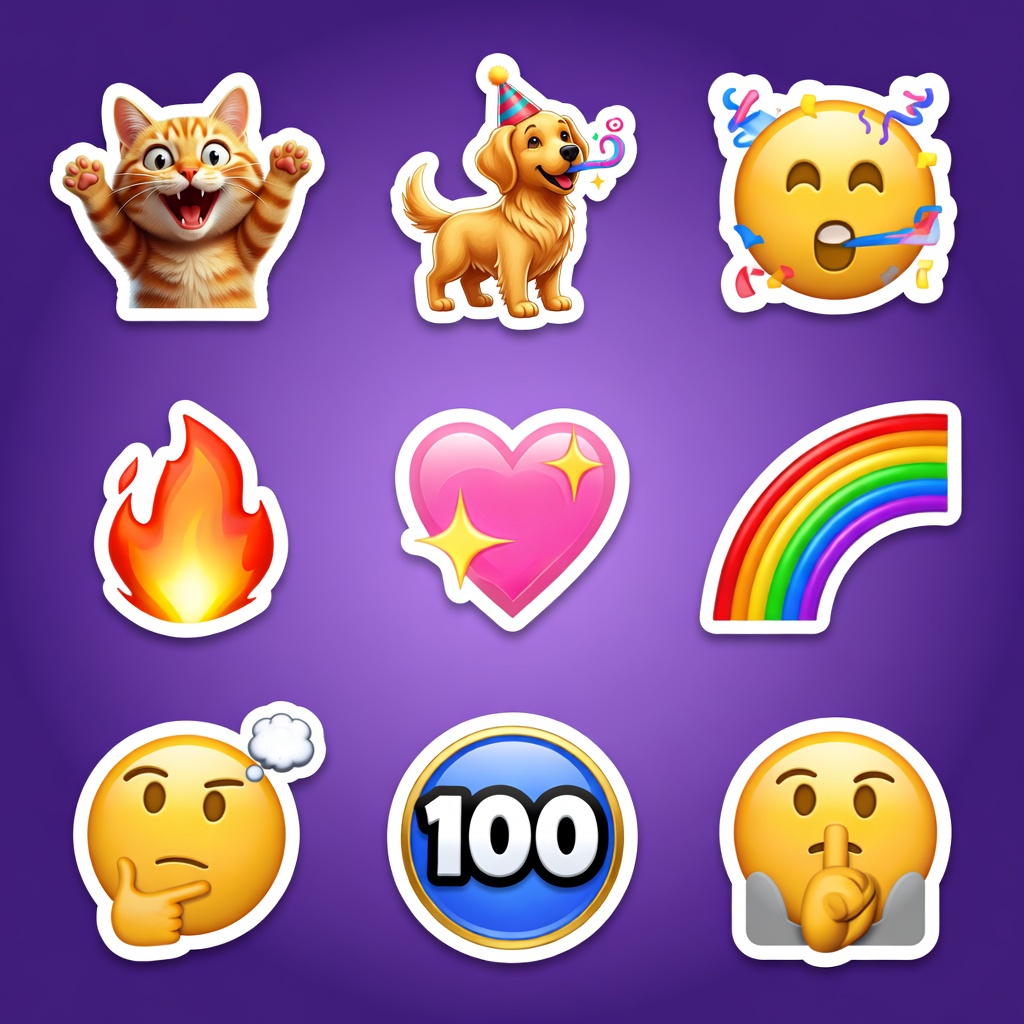
Emoji Creator
28x28 / 56x56 / 112x112 emote sets, Twitch + Discord sized, already in the right aspect ratios.
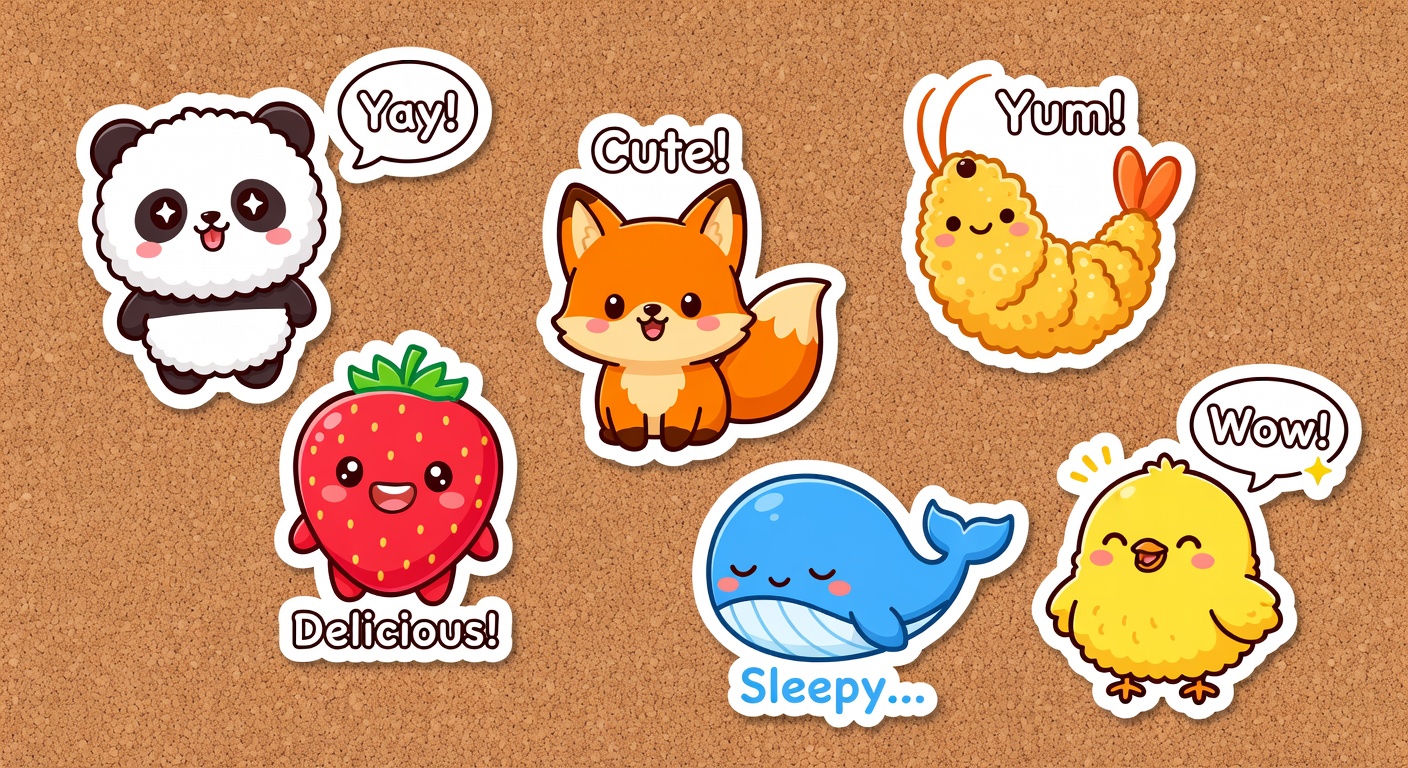
Sticker Pack Designer
Twitch sub badges + cheer badges + Discord stickers.
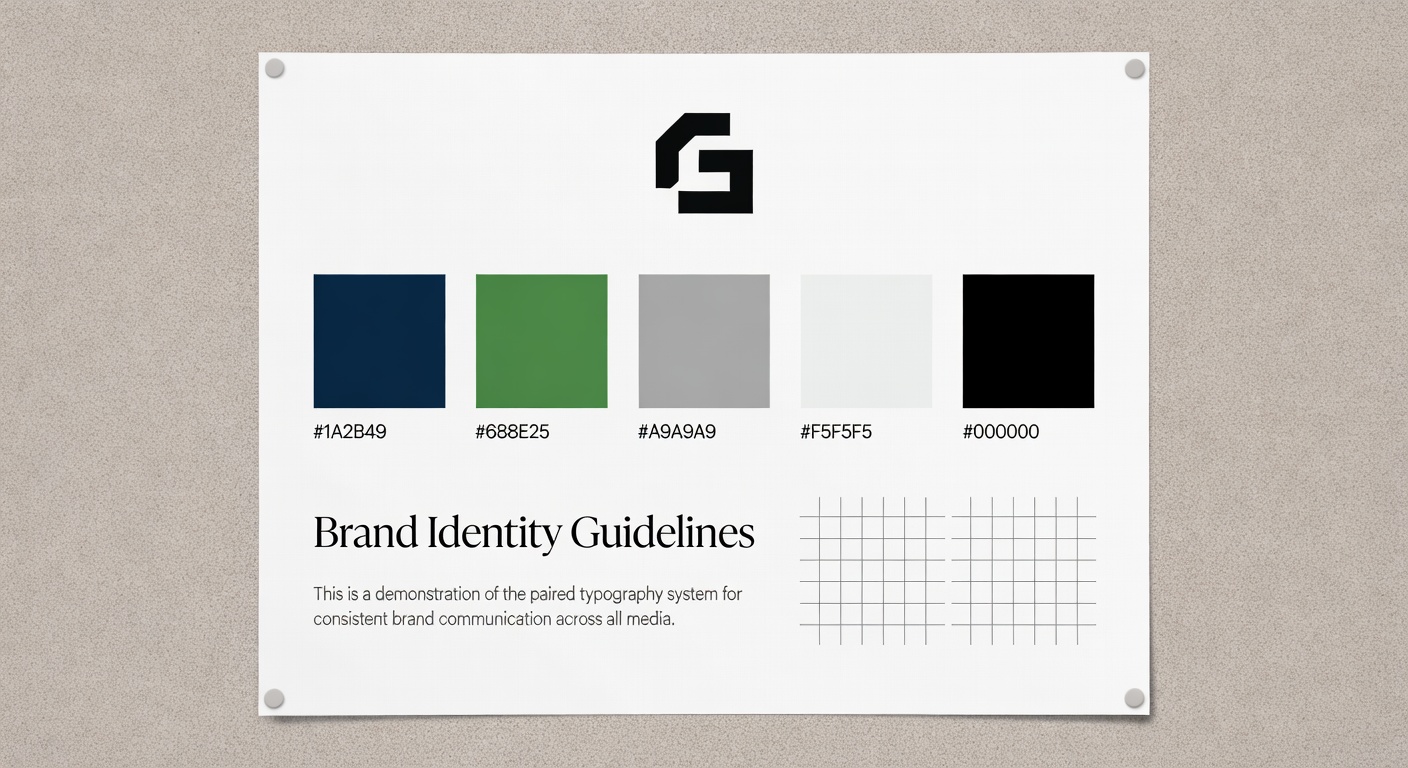
Brand Style Guide Generator
Lock channel palette + typography so every asset matches.
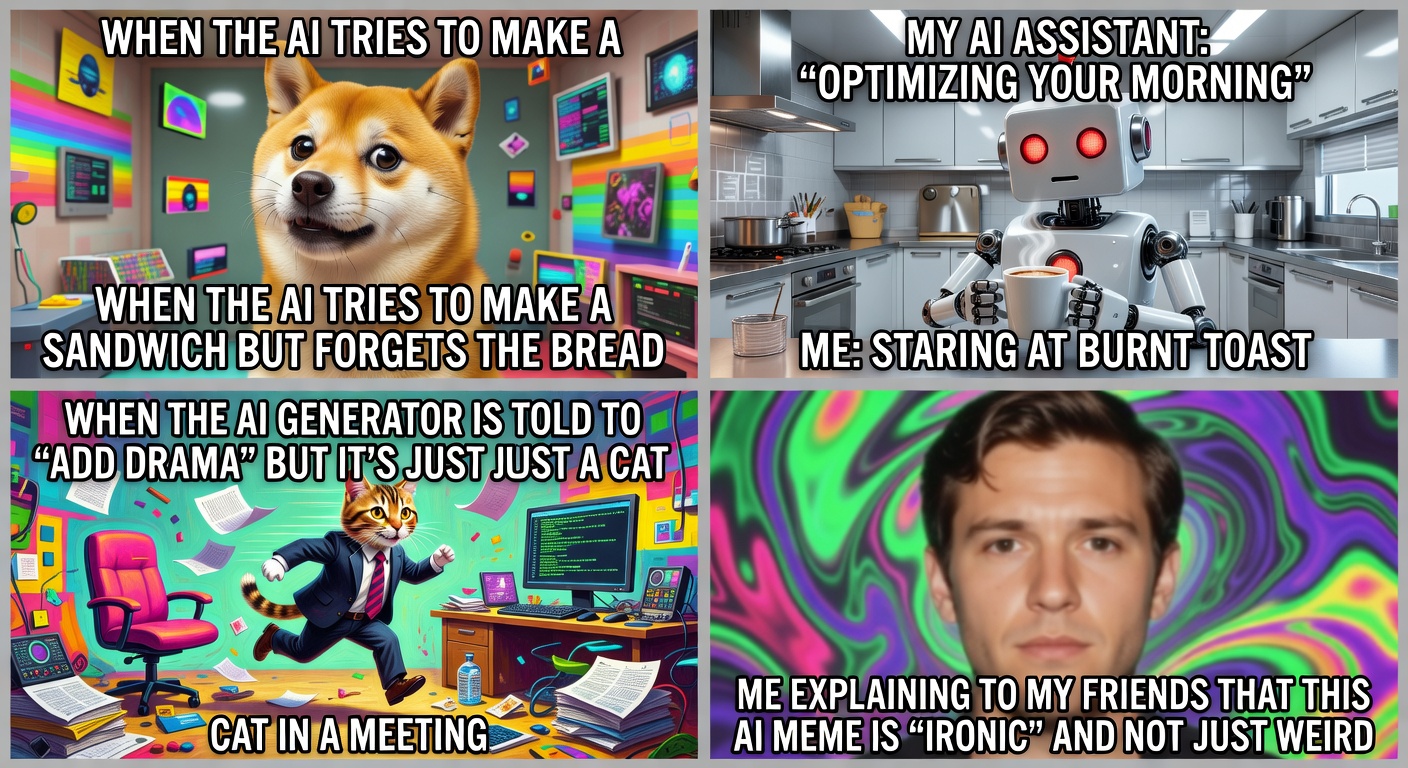
AI Meme Generator
Custom !commands / fail-cam / lurk memes tuned to your channel's humor.

Logo Maker
Channel logo lockup for overlays, social, merch.
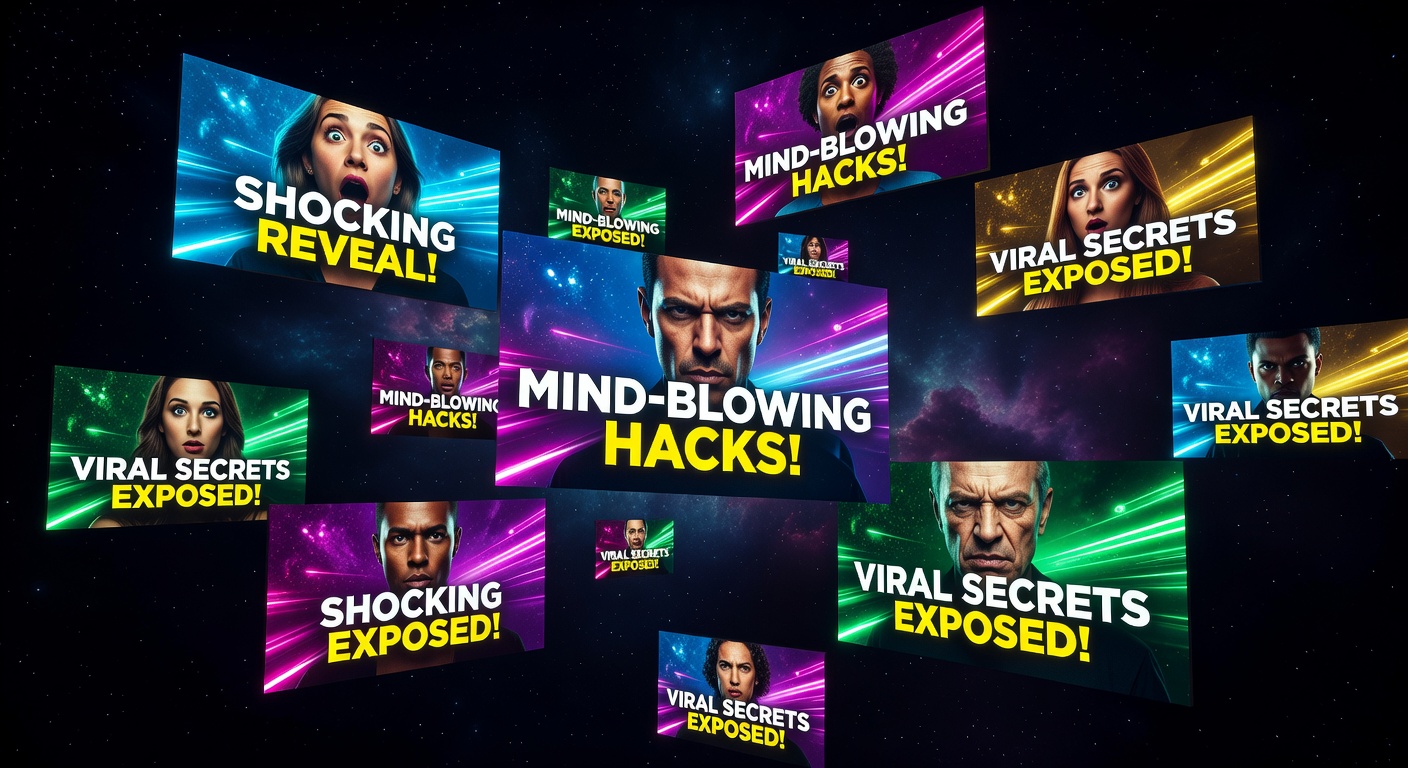
Thumbnail Generator
VOD thumbnails + clip covers for YouTube re-uploads.

tshirt design
Subscriber merch designs (seasonal drops, milestone anniversaries).

Music Generator
Stinger audio for alerts / transitions — commercial-use cleared.