
Sign in free to use this tool
50 credits / day on the free plan — no credit card required. You'll need an account before the Generate button below will work.
Example output:
Enhancement Guide
Describe your audio and get professional enhancement recommendations.
What is AI Audio Enhancer?
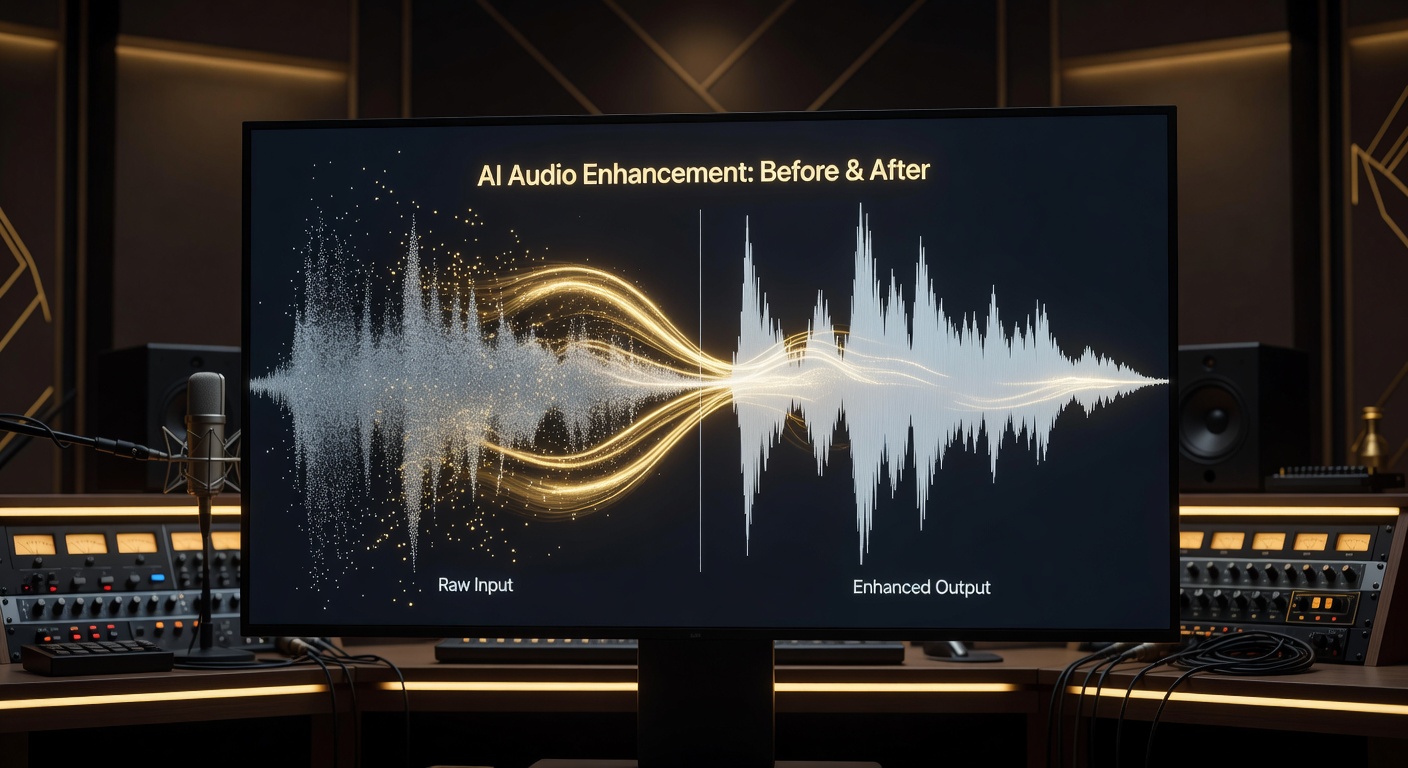
Audio Enhance cleans up recordings by reducing noise, balancing levels, and improving clarity, perfect for podcasters, video creators, and small-business owners producing content. Upload files up to 30 minutes long, and get enhanced versions in MP3 or WAV formats in under two minutes. This tool ensures professional sound without expensive equipment, making remote interviews or tutorials more engaging and accessible to wider audiences.
How it works
- 1
Upload your audio file from a device or cloud storage.
- 2
Select enhancements like noise reduction, volume normalization, or EQ adjustments.
- 3
Process the file, which takes 1-2 minutes for most clips.
- 4
Download the improved audio, ready for editing software or direct publishing.
Popular use cases
- Cleaning background hum from remote podcast interviews for online educators.
- Enhancing voiceovers for YouTube tutorials on DIY crafts by small creators.
- Reducing echo in video calls for freelance coaches recording client sessions.
- Balancing music tracks for Etsy sellers demoing handmade instrument sounds.
- Improving field recordings for travel bloggers narrating location guides.