
Sign in free to use this tool
50 credits / day on the free plan — no credit card required. You'll need an account before the Generate button below will work.
Example output:
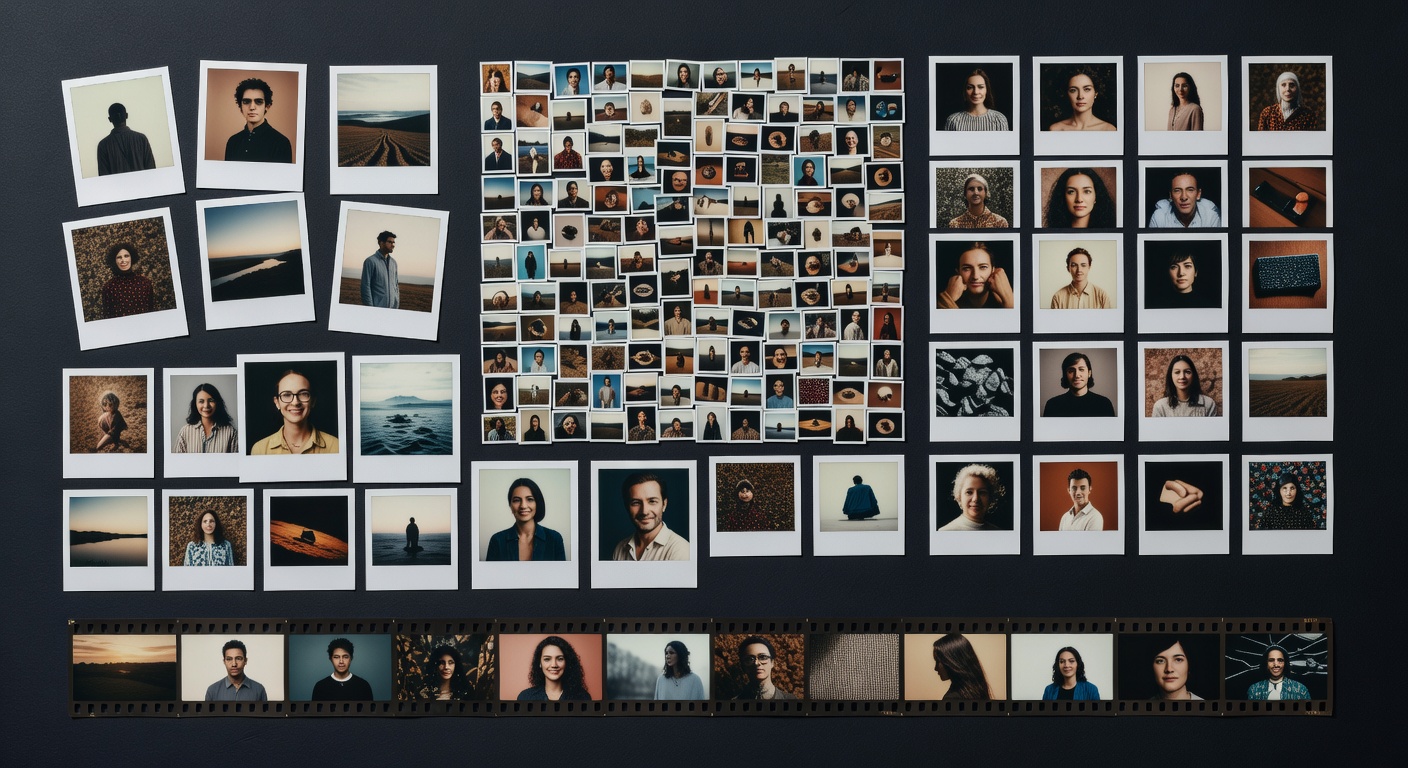
Collage Preview
Upload 2-9 images and choose a layout to create your collage.
What is AI Collage Maker?
Collage lets creators combine multiple images into cohesive designs using AI-assisted layouts. Suited for freelancers handling visual content and small-business owners needing quick graphics, it simplifies arranging photos with automatic balancing of colors and spacing. This tool streamlines mood boards or promotional visuals, exporting in PNG or JPG formats under 5MB, ready for web or print use in moments.
How it works
- 1
Upload 2 to 10 images from your device or cloud storage.
- 2
Choose a template or let AI suggest layouts based on image content.
- 3
Drag to rearrange elements and adjust borders or backgrounds.
- 4
Export the final collage as a high-resolution PNG or JPG file.
Popular use cases
- Designing social media collages for Etsy shop product showcases.
- Creating blog header images from event photos for lifestyle bloggers.
- Assembling client mood boards for freelance interior designers.
- Making personalized invitation collages for small event businesses.
- Building promotional flyers with team photos for local service providers.