Sign in free to use this tool
50 credits / day on the free plan — no credit card required. You'll need an account before the Generate button below will work.
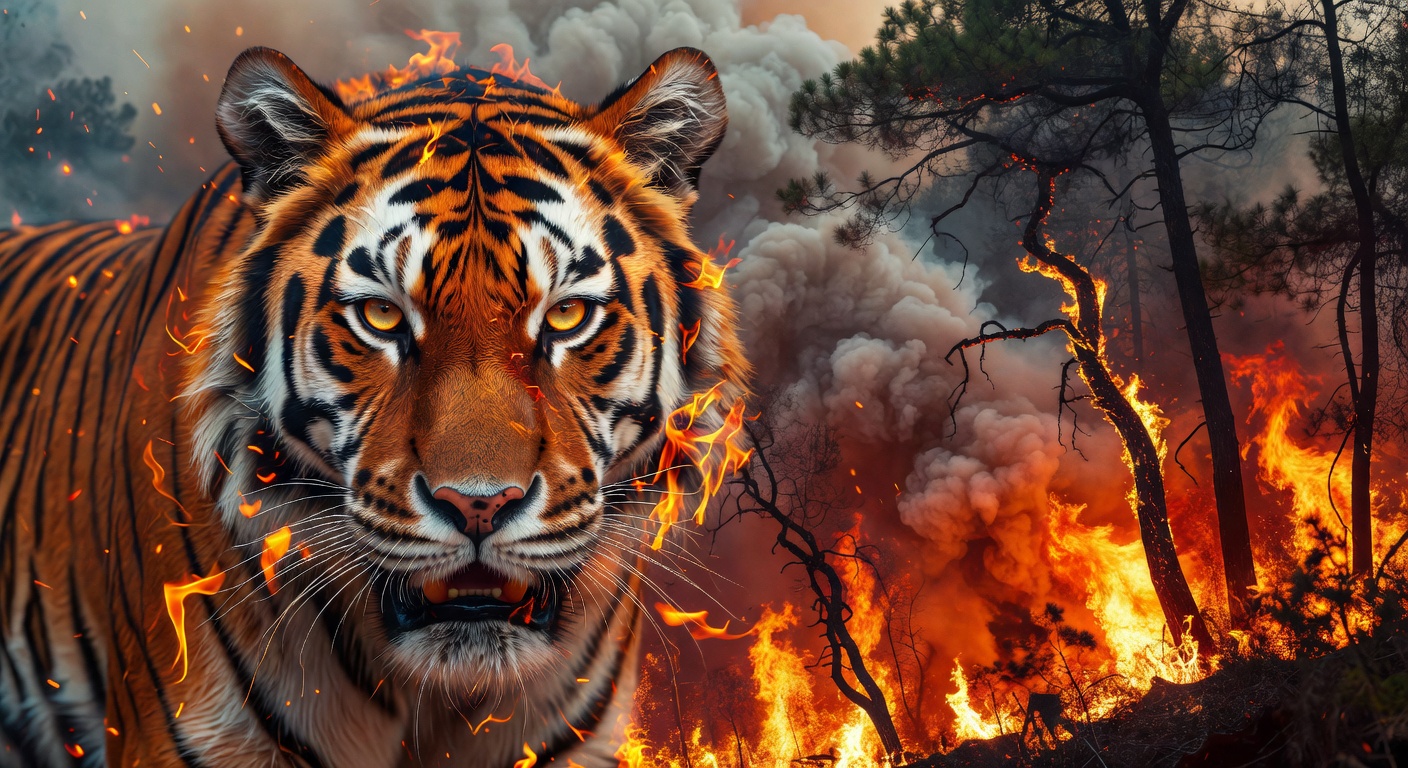
Example output:
Upload Two Images
Upload two images and choose a blend mode to create a unique mashup.
What is AI Image Blender?
Image Blender enables creators and freelancers to merge multiple images into seamless composites, ideal for custom visuals in marketing or personal projects. Small business owners use it to combine product photos with backgrounds, creating professional-looking assets without expensive software. It handles layering and blending modes efficiently, producing high-resolution outputs that enhance visual storytelling and brand consistency across platforms.
How it works
- 1
Select and upload two or more images to blend.
- 2
Choose blending modes like overlay or multiply to control how elements merge.
- 3
Adjust opacity, positioning, and masks for precise control.
- 4
Generate the final image in JPG or PNG format, usually 2-5MB and ready in under a minute.
Popular use cases
- Merging product shots with lifestyle scenes for Shopify product pages.
- Creating composite portraits for freelance photographers' portfolios.
- Blending textures onto mockups for apparel designers on Etsy.
- Combining event photos into collages for small catering businesses.
- Layering graphics for custom invitations in wedding planning services.