Sign in free to use this tool
50 credits / day on the free plan — no credit card required. You'll need an account before the Generate button below will work.
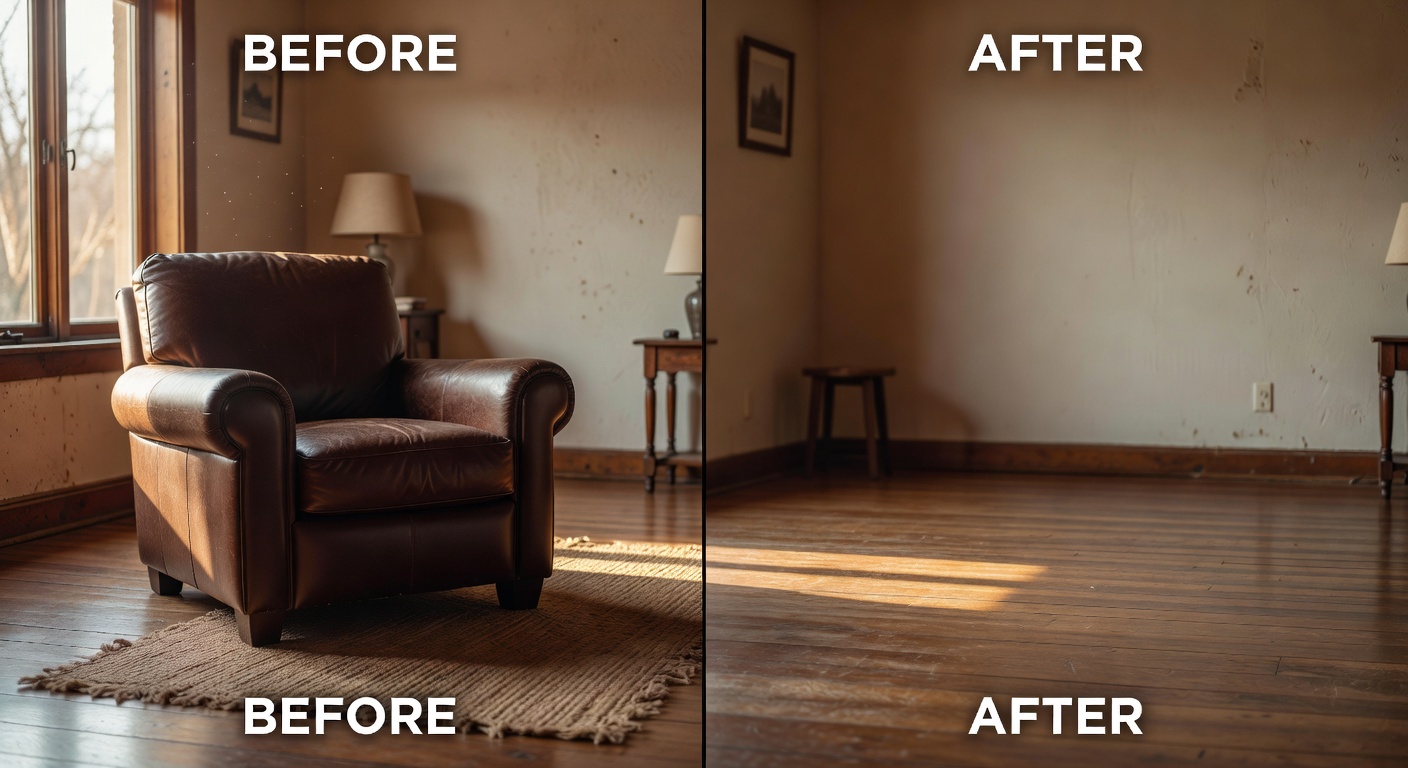
Example output:
Pro Tip
For precise edits, describe the region you want to change. E.g., "the sky area" or "the person on the left".
Keep original art style and lighting
No Image Selected
Upload an image and describe what you want to change. AI will edit it while preserving the rest.
What is AI Inpainting Editor?
Inpainting lets creators and freelancers edit images by seamlessly filling in selected areas with AI-generated content that matches the surroundings. Ideal for photographers, graphic designers, and small business owners needing to remove unwanted elements or add details without starting from scratch. It handles tasks like erasing backgrounds or inserting objects, producing high-resolution outputs in formats like PNG or JPEG, typically within seconds, to streamline workflows and improve visual appeal for client projects.
How it works
- 1
Upload your image to the tool.
- 2
Select the area you want to edit using the brush tool.
- 3
Describe the desired changes or elements to add.
- 4
Generate the inpainted version and download the result.
Popular use cases
- Remove photobombers from event photos for social media posts.
- Add custom accessories to product shots for Etsy listings.
- Fix scratches or stains on vintage item images for online sales.
- Insert branding elements into promotional banners for small businesses.
- Restore damaged sections of family portraits for freelance editing services.