DreamForgeXDreamForgeX
AI ToolsGalleryMarketplacePricing

Image Expander

15 credits

Extend images beyond their borders with AI outpainting

Sign in free to use this tool

50 credits / day on the free plan — no credit card required. You'll need an account before the Generate button below will work.

See pricing
Preview mode — sign in to generate

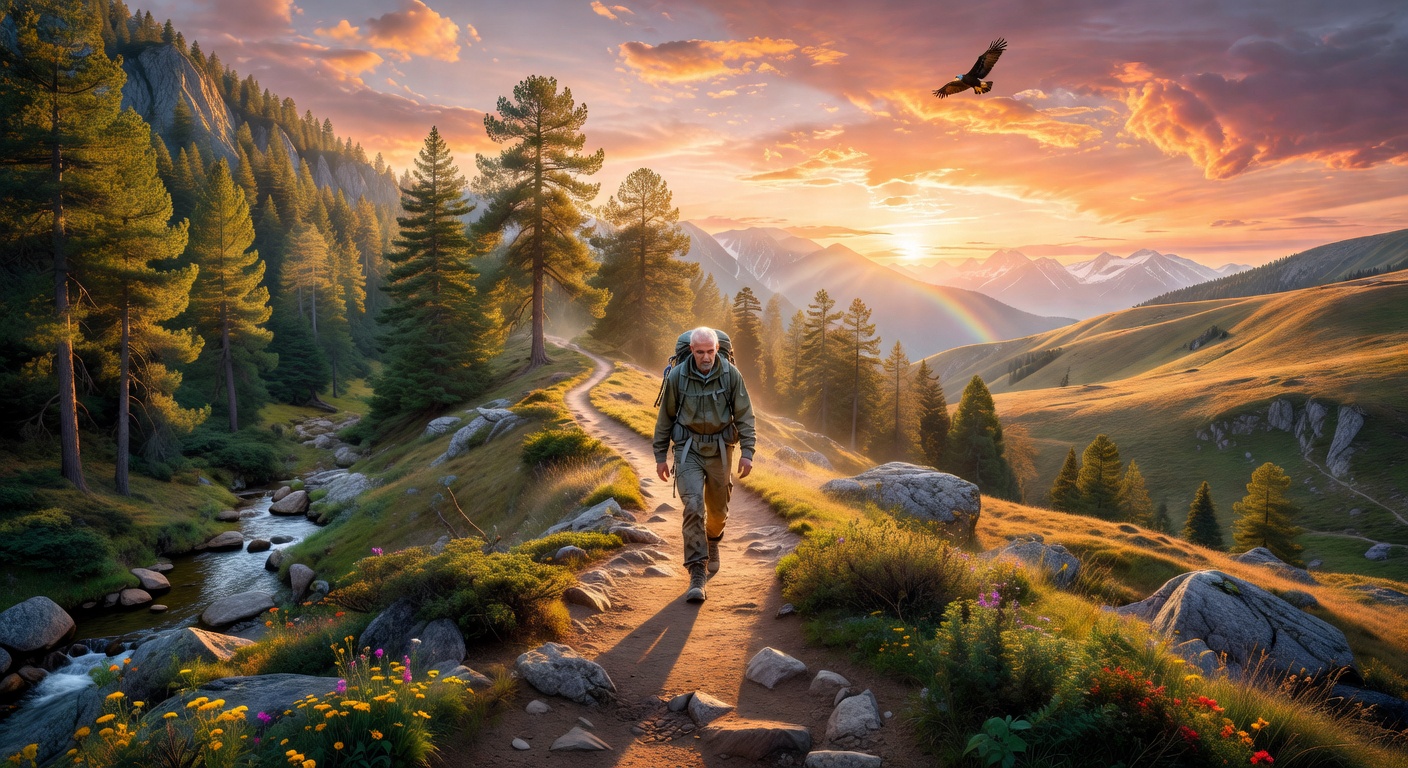
Example output:

AI outpainting example

No Image Selected

Upload an image to extend it beyond its borders with AI outpainting.

What is Outpainting?

Outpainting extends the borders of your existing images by generating seamless new content that matches the original style and composition. Freelancers and small-business owners use it to create wider scenes from standard photos without starting from scratch, saving time on design projects. It helps in building immersive visuals for marketing materials or personal art, delivering high-resolution outputs up to 4K in PNG or JPEG formats within minutes.

How it works

  1. 1

    Upload your image to the tool.

  2. 2

    Select the edges or directions you want to expand.

  3. 3

    The AI generates additional content that blends naturally with the original.

  4. 4

    Review and download the extended image in your preferred format.

Popular use cases

  • Create custom social media banners from cropped product shots.
  • Expand landscape photos for real estate listings on Airbnb.
  • Design book covers by widening character illustrations.
  • Generate printable wall art from small sketches for Etsy shops.
  • Enhance event flyers with broader backgrounds for local business promotions.
  • Build portfolio pieces by outpainting concept art for freelance clients.

Frequently asked questions

How does the quality of the outpainted areas compare to the original?+
The AI matches the style, colors, and details of your original image closely. Results are consistent for most uploads, though complex patterns may need minor edits. Outputs maintain sharpness in standard resolutions.
Is there a cost to use Outpainting, and what are the limits?+
Basic use is free with watermarks; premium removes them for a subscription fee starting at $9/month. You can process up to 10 images daily on the free tier, with no size limit under 10MB per file.
What rights do I have over the outpainted images?+
You own full commercial rights to the generated images for your projects. The tool doesn't claim ownership, but avoid uploading copyrighted material without permission.
AI generated showcase
DreamForgeXDreamForgeX

The all-in-one AI creative studio. 100+ tools for images, video, audio, and design — powered by the world's best AI models.

Powered by

Grok (xAI)OpenAIGeminiClaudeStability AIReplicatefal.aiTogether AICloudflare AIGroqRunwayKlingSync Labs

Self-hosted on DreamForge GPUs

Flux Pro/Dev/SchnellCogVideoX-5BMusicGenAudioGenCatVTONBark TTSReal-ESRGANRMBG-2.0Exclusive LoRAs

Stay Updated

Create

  • Studio
  • AI Canvas
  • Video Studio
  • Gallery
  • Marketplace
  • Batch Generator

Tools

  • Text-to-Image
  • AI Song Creator
  • Music Video Studio
  • Text-to-Video
  • AI Headshots
  • Logo Maker
  • All 100+ Tools

Resources

  • Pricing
  • API Documentation
  • Prompt Guide
  • Community Gallery
  • Character Studio

Company

  • About
  • What's new
  • Terms of Service
  • Privacy Policy
  • Contact
DreamForgeX on Product Hunt

© 2026 DreamForgeX AI. All rights reserved.

TermsPrivacy

Made with for creators