
Sign in free to use this tool
50 credits / day on the free plan — no credit card required. You'll need an account before the Generate button below will work.
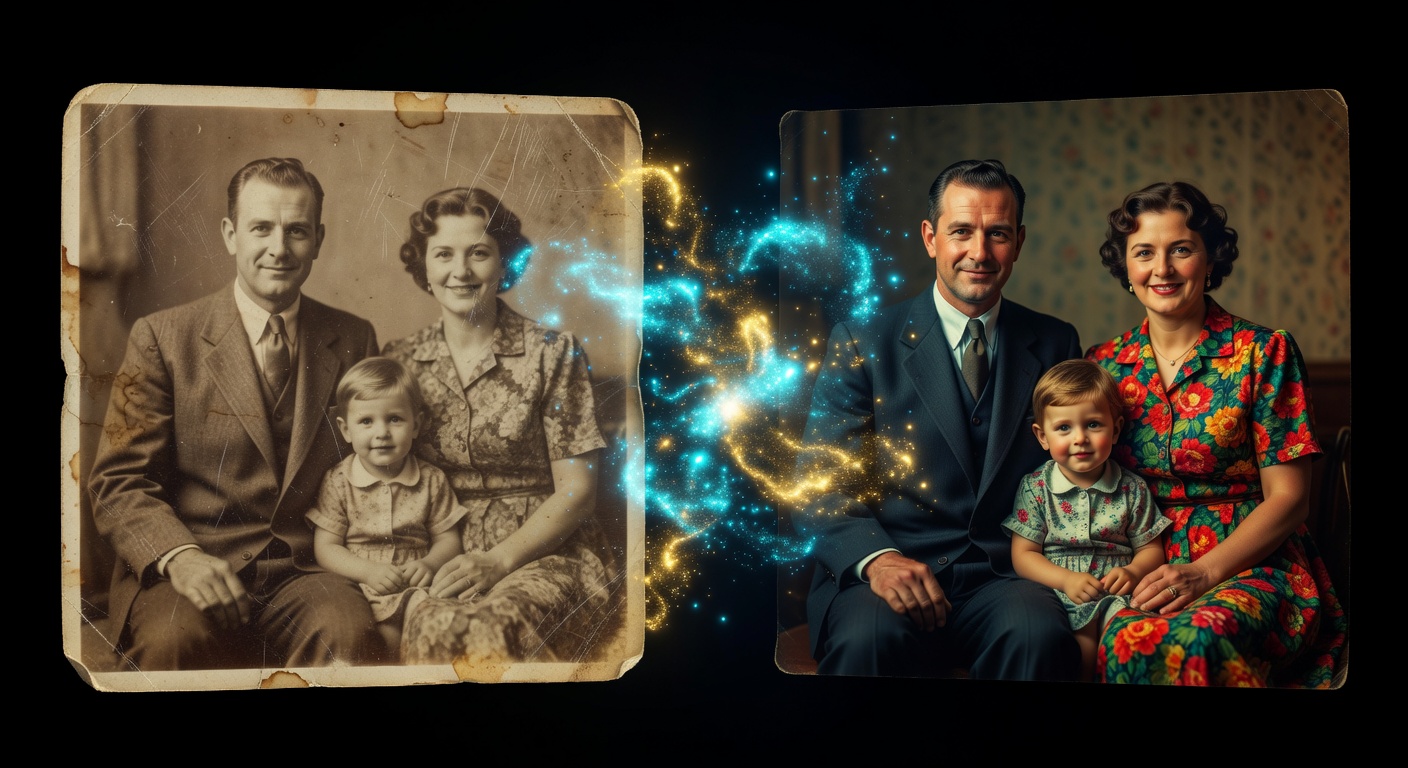
Example output:
No Image Selected
Upload an old or damaged photo to restore it with AI.
What is AI Photo Restorer?
Photo Restore repairs damaged or aged photographs by removing scratches, fading, and tears with AI-driven fixes while preserving original details. Small-business owners in photography and freelancers handling client archives find it essential for quick revivals without expensive software. It outputs cleaned images in high resolution, typically PNG format ready in one minute, ideal for digitizing and sharing heirlooms or professional portfolios.
How it works
- 1
Upload the damaged photo.
- 2
The AI detects and repairs issues like tears or discoloration.
- 3
Review automated fixes and make optional tweaks.
- 4
Download the restored version.
Popular use cases
- Fix faded wedding photos for anniversary gifts on Etsy.
- Repair old portraits for family reunion slideshows.
- Restore product catalog images for vintage clothing brands.
- Clean up historical society archives for exhibit prints.
- Revive travel snapshots for personal travel blog posts.
- Enhance damaged headshots for actor portfolios.
- Repair event photos for local newspaper digital archives.