
Sign in free to use this tool
50 credits / day on the free plan — no credit card required. You'll need an account before the Generate button below will work.
Example output:
Sound Effect Designer
Describe any sound effect and get a detailed technical blueprint for creating it.
What is AudioGen Sound Effects Generator?
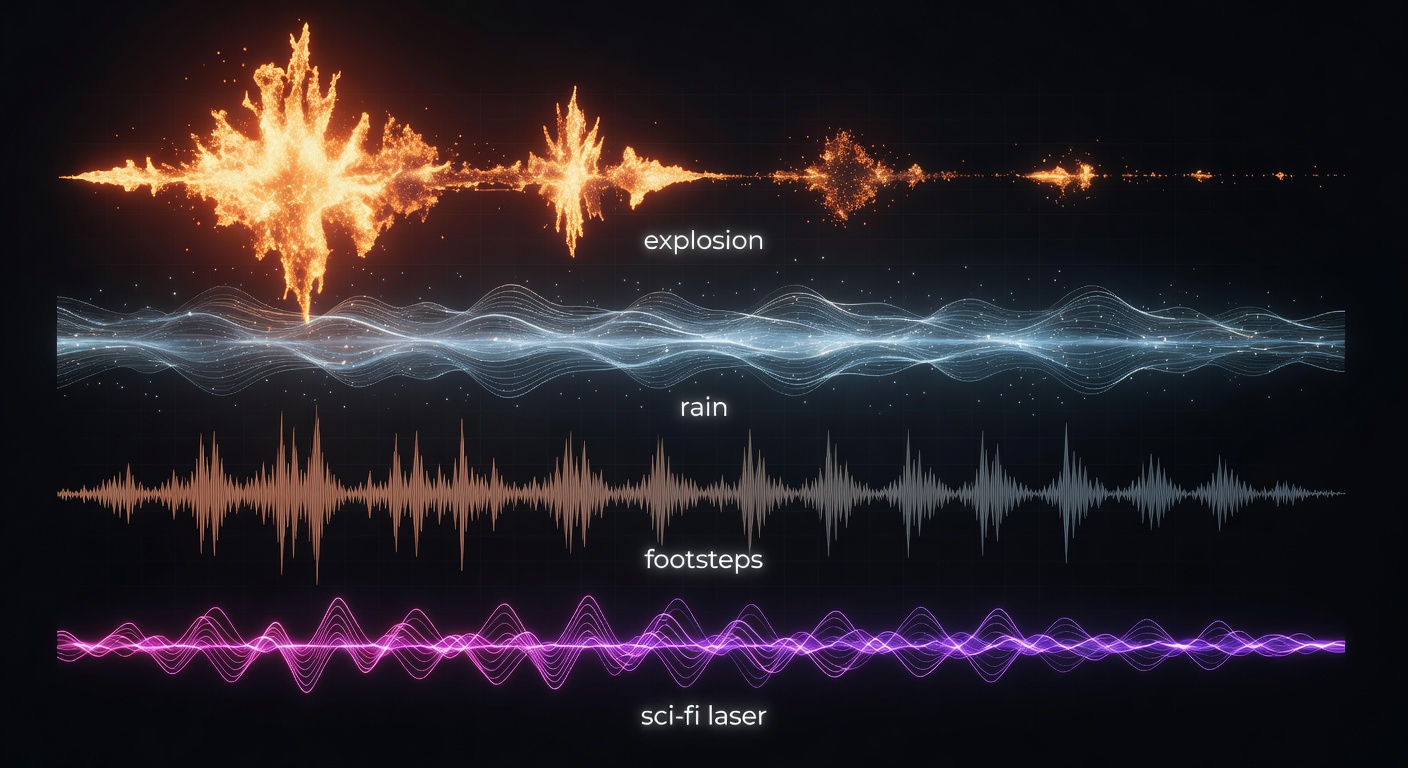
The Sound Effects tool lets creators generate custom audio clips based on text descriptions, ideal for video editors, podcasters, and game developers who need quick, tailored sounds without searching stock libraries. It produces realistic effects like footsteps or ambient noise, saving time on projects where audio enhances storytelling or immersion. Freelancers can integrate these into client work efficiently, downloading files in standard formats for seamless use in editing software, helping small businesses add professional polish without hiring specialists.
How it works
- 1
Enter a detailed text description of the desired sound effect.
- 2
Select options like duration or intensity if needed.
- 3
Generate the audio clip, typically ready in under 30 seconds.
- 4
Download in WAV or MP3 format, up to 10MB per file.
Popular use cases
- Enhance YouTube tutorial videos with custom button clicks and notifications.
- Add atmospheric sounds like rain or wind to indie podcast episodes.
- Create unique weapon effects for mobile game prototypes.
- Incorporate background noises for Etsy seller product demo reels.
- Produce alert tones for freelance app development demos.
- Layer in crowd cheers for small-business promotional event videos.