Sign in free to use this tool
50 credits / day on the free plan — no credit card required. You'll need an account before the Generate button below will work.
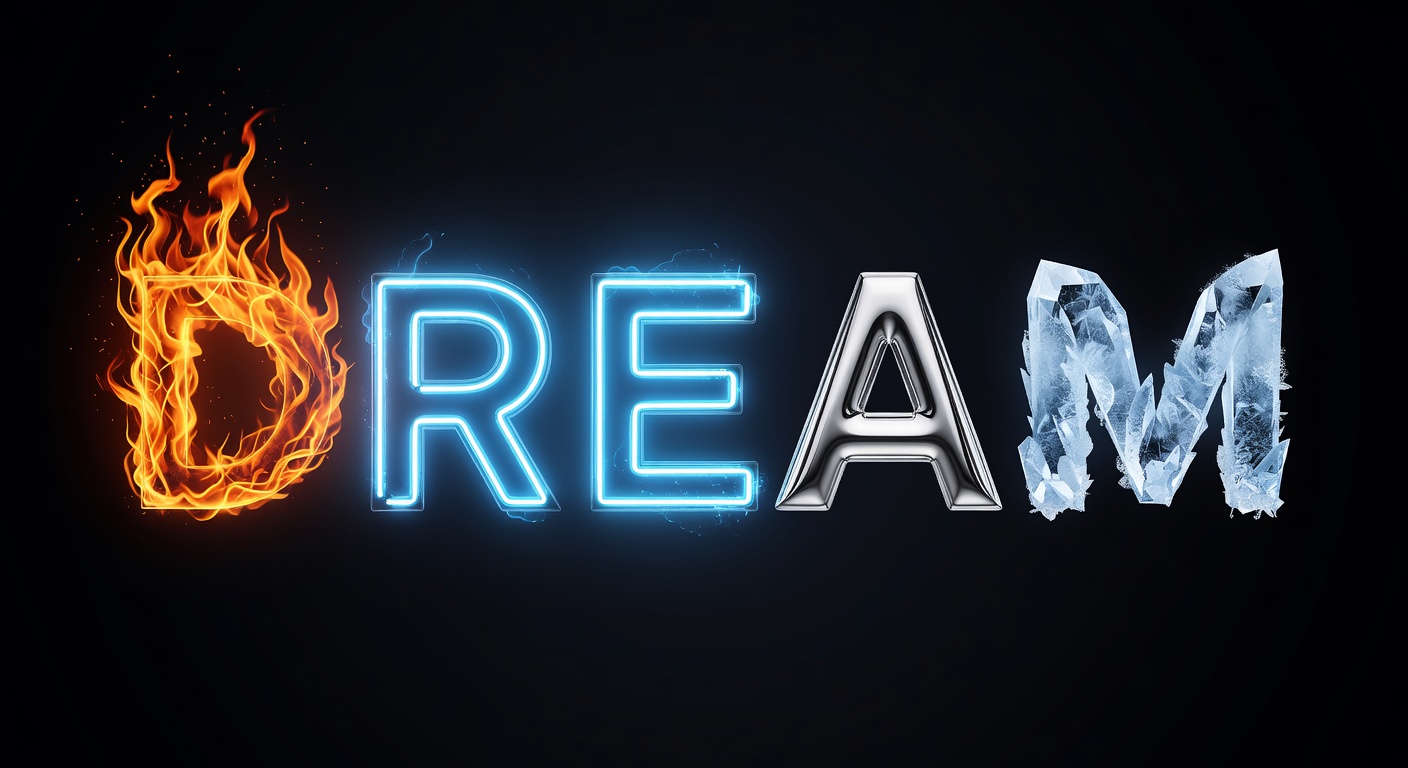
Example output:
0/100 characters
Enter Your Text
Type some text, pick an effect style, and generate stunning AI typography.
What is AI Text Effects?
DreamForgeX's Text Effects tool applies AI-driven styling to text elements, from metallic shines to neon glows, helping creators enhance visuals in graphics and videos. Freelancers and small-business owners use it to add professional flair without advanced software skills, producing effects in PNG or GIF formats ready for web or print. It streamlines the process of making text stand out in designs, improving engagement for social posts or branding materials.
How it works
- 1
Input your text string and choose an effect category like shadow, gradient, or 3D.
- 2
Adjust parameters such as color, intensity, or animation speed via simple sliders.
- 3
Preview the effect in real-time and generate the output.
- 4
Export as an image or animated file for integration into your projects.
Popular use cases
- Adding glowing text overlays to YouTube thumbnails for content creators.
- Creating embossed logo effects for freelance web designers' client sites.
- Applying handwritten-style effects to personalized invitations for small event businesses.
- Enhancing title cards with metallic finishes for video editors.
- Styling product labels with vintage effects for Etsy shop owners.