Sign in free to use this tool
50 credits / day on the free plan — no credit card required. You'll need an account before the Generate button below will work.
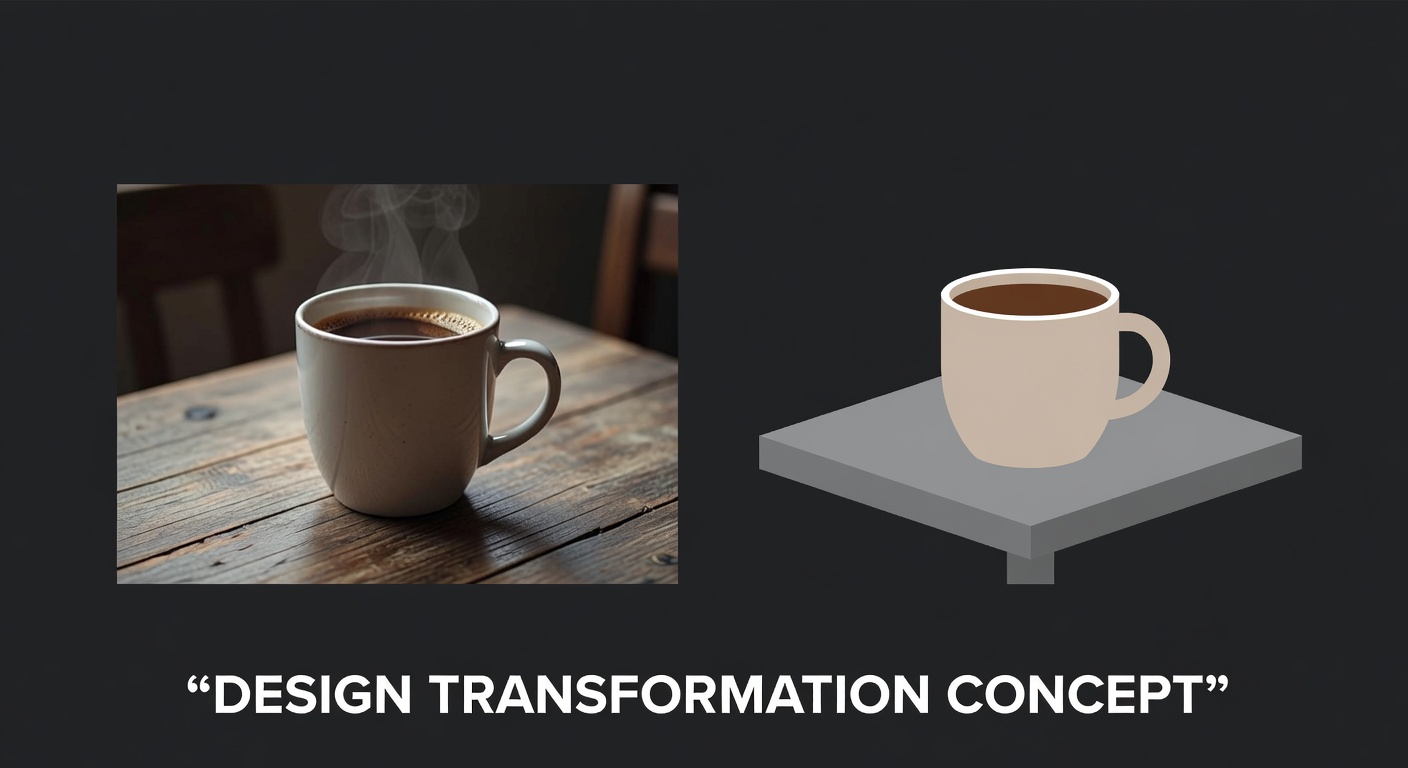
Example output:
No Image Selected
Upload an image to convert it to vector style.
What is AI Image Vectorizer?
The Vectorize tool converts raster images like photos or sketches into editable SVG vectors for designers and small-business owners. It traces edges accurately, producing scalable files without quality loss, perfect for logos or icons in print or web use. Freelancers save hours on redrawing, getting outputs ready for tools like Adobe Illustrator. Files download instantly, typically 50-200KB, supporting unlimited scaling for various project sizes.
How it works
- 1
Upload a raster image in PNG, JPEG, or BMP, ideally with clear edges.
- 2
Adjust tracing sensitivity for details like colors or outlines.
- 3
AI processes in 10-20 seconds to create the vector path.
- 4
Download the SVG file, editable in vector software.
Popular use cases
- Converting hand-drawn sketches to logos for freelance branding clients.
- Vectorizing product icons for app UI designs by small dev teams.
- Tracing embroidery patterns for craft business merchandise.
- Creating scalable maps for real estate freelancer listings.
- Simplifying photos into line art for t-shirt print shops.
- Preparing clipart sets for Etsy digital download stores.